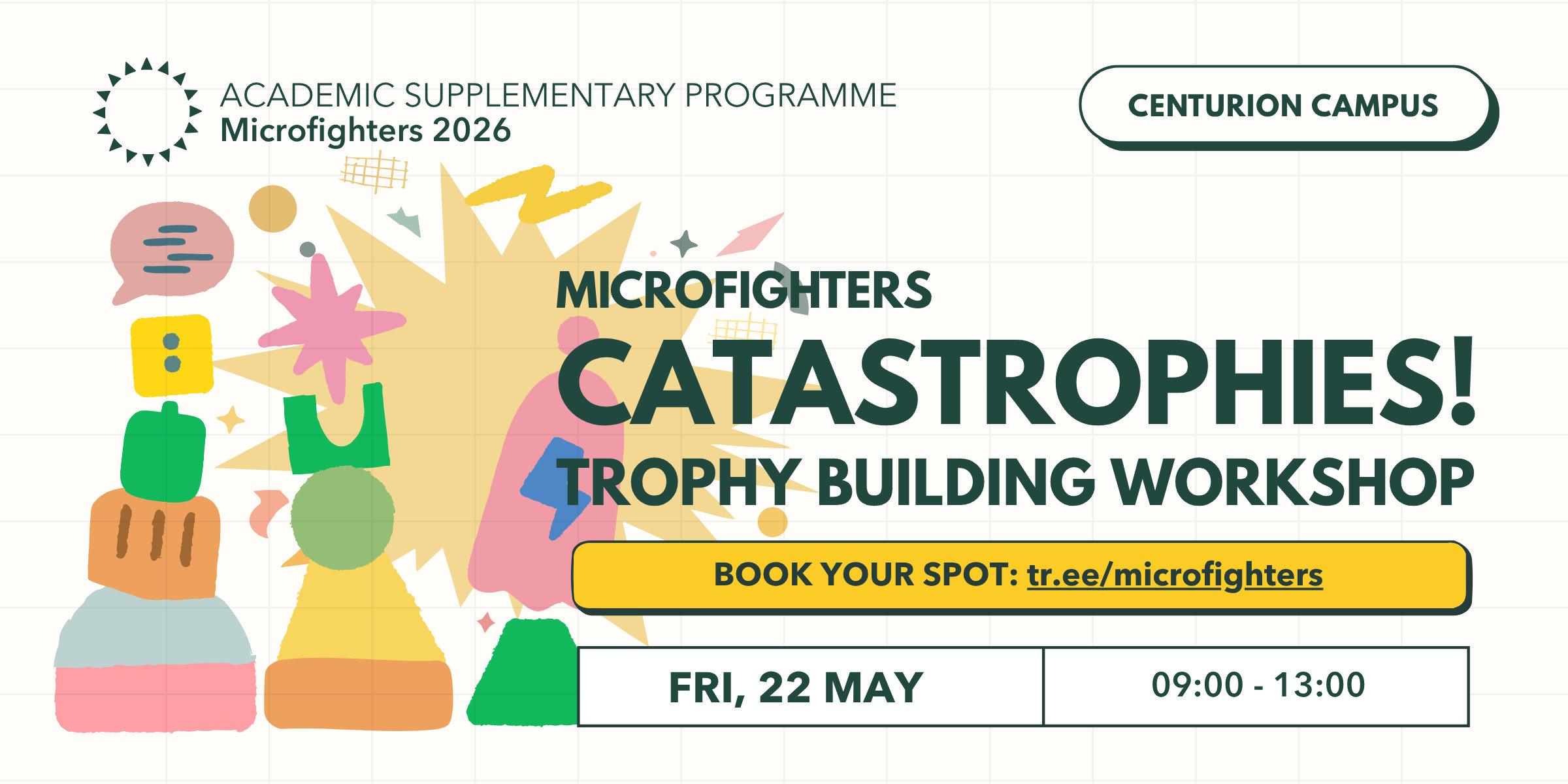
Catastrophies! Trophy Building Workshop
OPEN TO ALL - BOOK YOUR SPOT
A hands-on trophy construction workshop led by Dalene Meyer, Azel Viljoen, and Welmarie Momberg. Participants will transform found objects and offcuts into totem-inspired trophies—selected pieces will become the official awards for this year’s Microfighters event.
Book your spot
tr.ee/microfighters

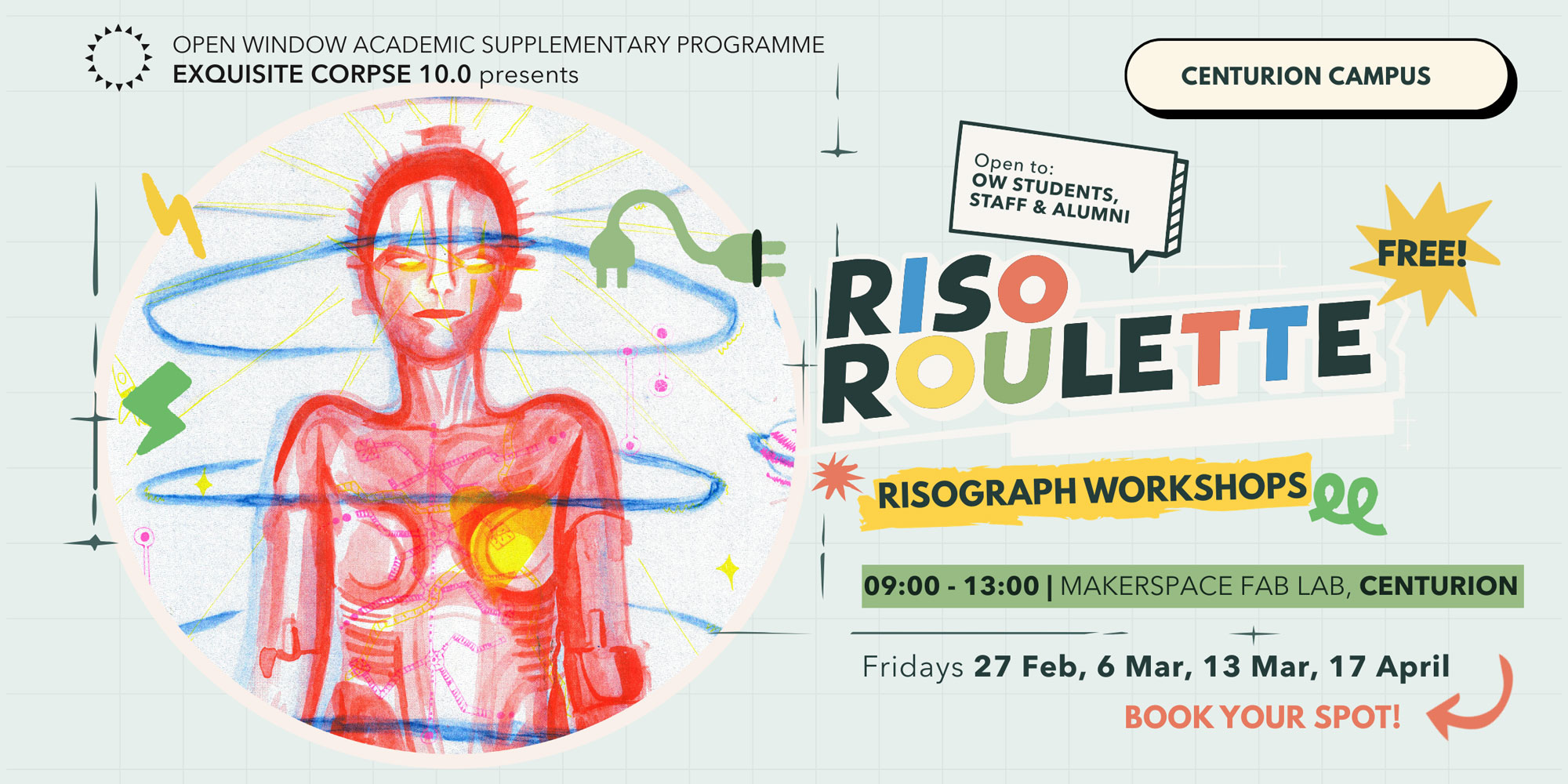
Riso Roulette
– OPEN TO ALL STUDENTS, STAFF & ALUMNI – BOOKING ESSENTIAL –
Exquisite Corpse 10.0 presents Riso Roulette
Join us for a collaborative risograph printing workshop in the Open Window Makerspace. All artworks will be exhibited in our 10th edition of Exquisite Corpse on Thursday, 23 April.
The annual exhibition is based on the game ‘Exquisite Corpse’ invented by Surrealist artists during the 1920s. It involves the participation of a group of artists, where each artist contributes to a single image. This year is our 10th anniversary edition and will form part of our Microfighters Event and Workshop Series. Stay tuned for more!
What is Riso Roulette?
- Each participant works on one layer/colour (out of three).
- You will be given a sheet of tracing paper to activate with a black medium (provided).
- Each hour participants swop artworks (eg. draw layer 2 over someone else’s layer 1).
- We will photocopy these layers in the correct colours during the workshop.
- If you want to include any photographic or pre-made imagery, please bring it along as a print (ideally printed in B/W on tracing paper).
- All imagery needs to be photocopiable (we won’t print any digital files during the workshop!
For more information about risograph printing check out our What is Riso? slides.
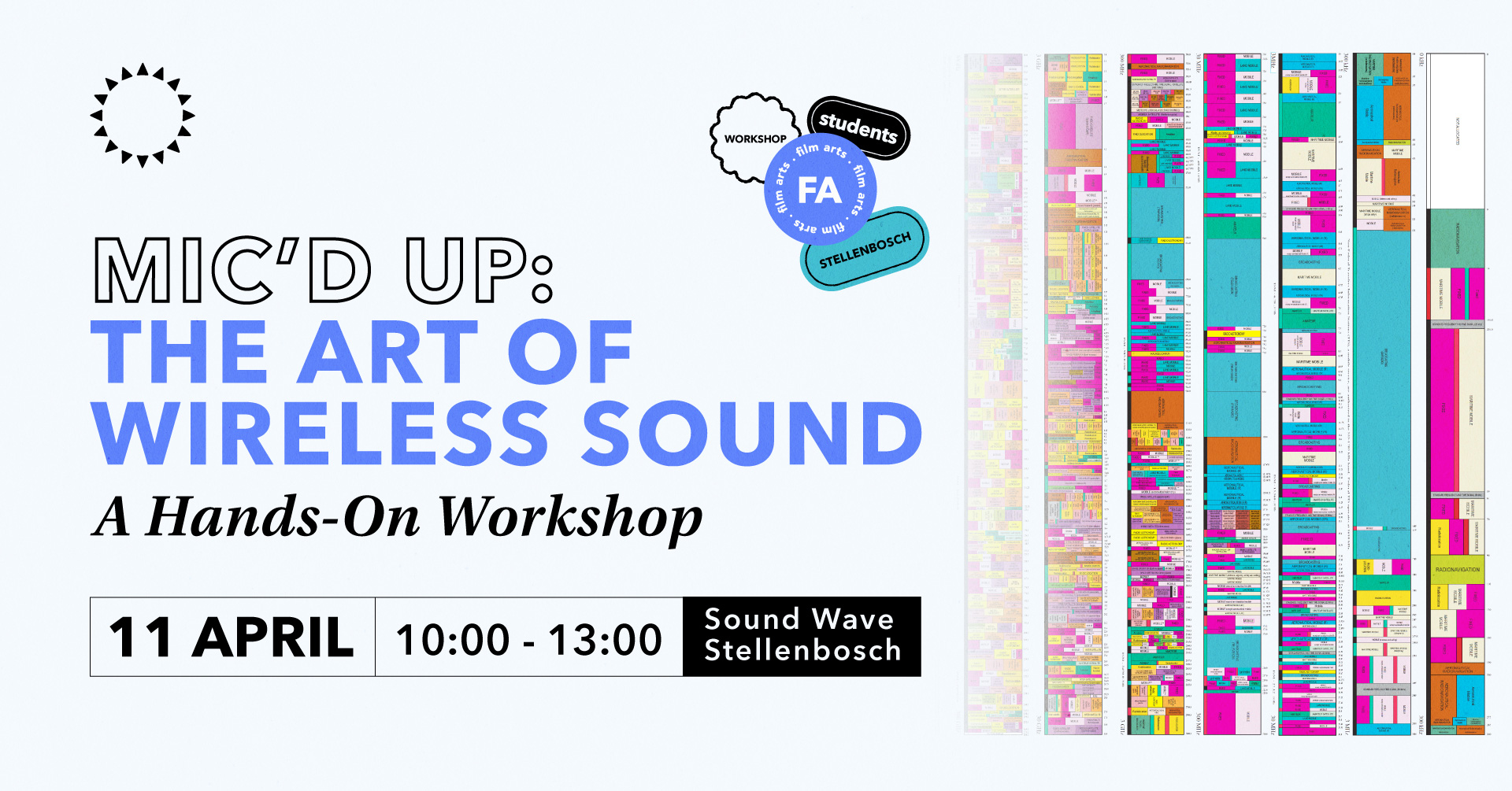
Mic'd Up: The Art of Wireless Sound
- STUDENTS & STAFF ONLY -
Film Arts presents "The Art of Wireless Sound” — a hands-on workshop where you’ll unlock the complexities and challenges of wireless microphone tech for film, from pro tips on lav mic placement to stealthy hiding techniques that keep your audio crisp and your actors camera-ready. Perfect sound starts here — don’t miss it!
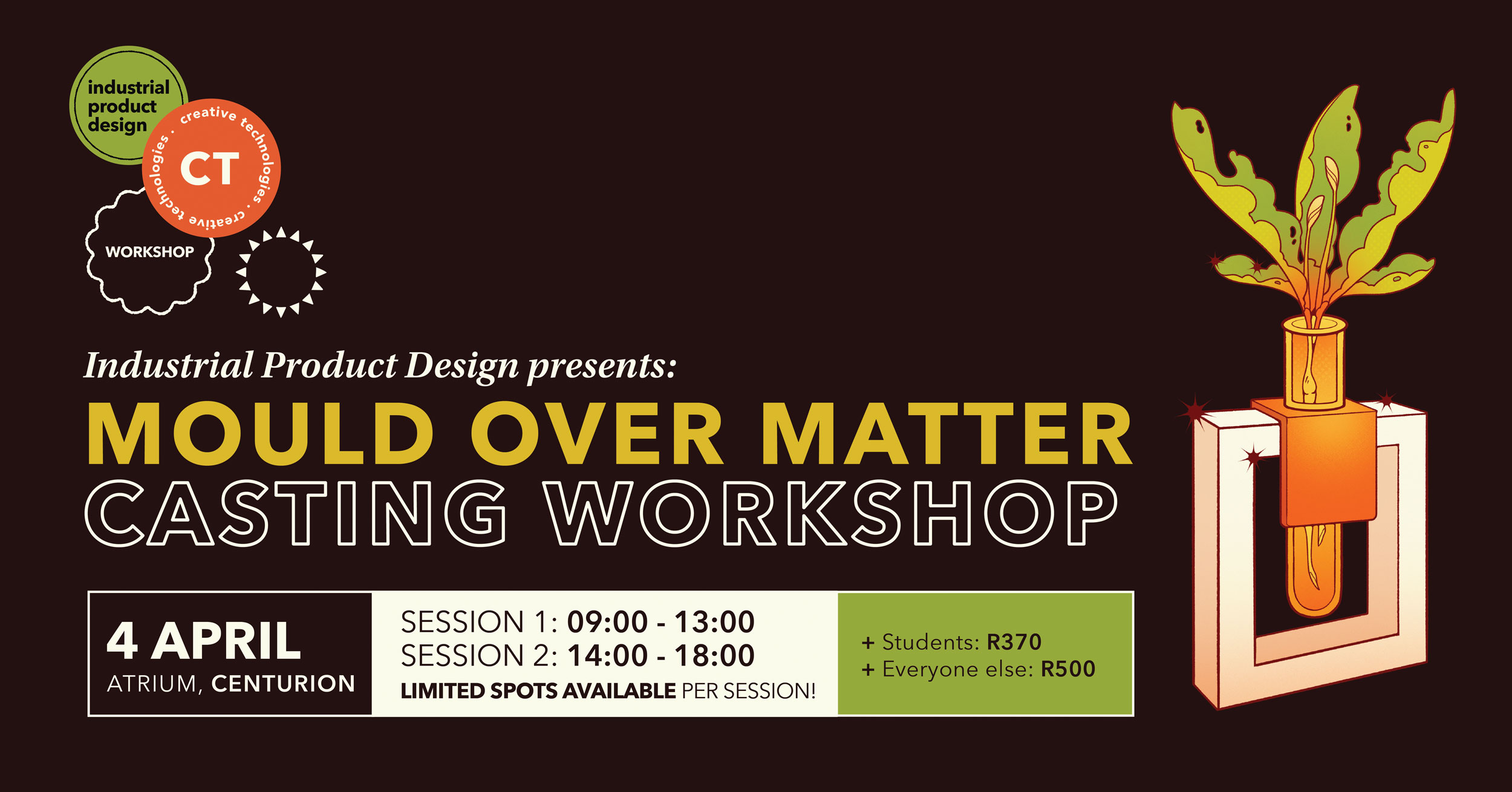
Mould Over Matter - Casting Workshop
– OPEN TO THE PUBLIC – BOOKING ESSENTIAL –
Industrial Product Design presents: Mould Over Matter, a Casting Workshop
Learn the basics of mould making and casting by making your own propagation station.
Session 1: 09:00 – 13:00
or Session 2: 14:00 – 18:00
Limited spots available
WORKSHOP FEES:
Students: R370
Everyone else: R500
Book here
*All materials, equipment, and rooted plant clippings are included in the fee.
What is a propagation station you might ask? Propagation is the process of growing new plants from plant clippings. A propagation station allows you to check on and care for your new plants while they develop roots.
What to expect:
- Combine 3D printing technology with mould making and casting techniques.
- Customise the product by selecting the colours of your stand.
- Keep the reusable silicone mould! This makes re-casting more stations at home possible.
- All materials, equipment, and rooted plant clippings are included in the price.
- No experience necessary
Contact [email protected] for more info.
Book by 1 April
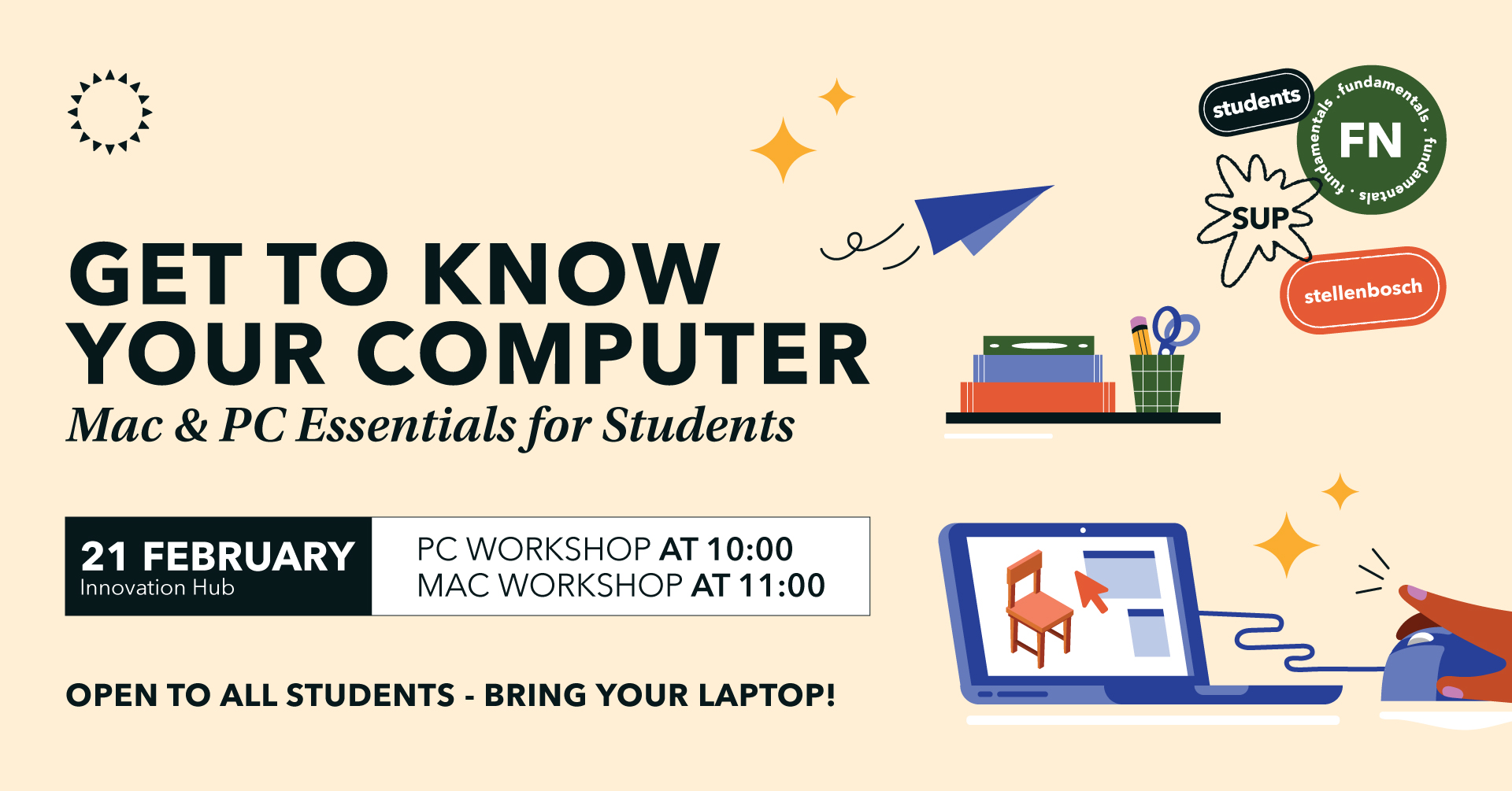
Get to Know Your Computer
- PUBLIC EVENT -
Get to Know Your Computer – Mac & PC Essentials for Students
PC Workshop: 21 February at 10:00
Mac Workshop: 21 February at 11:00
Location: Innovation Hub
Just got a new laptop and not sure where to start? Whether you’re using a Mac or PC, this hands-on workshop will help you unlock the full potential of your computer for your academic journey at Open Window. Learn the basics of file management, system settings, keyboard shortcuts, and essential software for research, design, and productivity. We’ll also cover troubleshooting tips and best practices to keep your machine running smoothly.
Perfect for first-year students or anyone looking to level up their tech skills!
Open to all students – bring your laptop! Ready to take control of your tech? Join us!
